
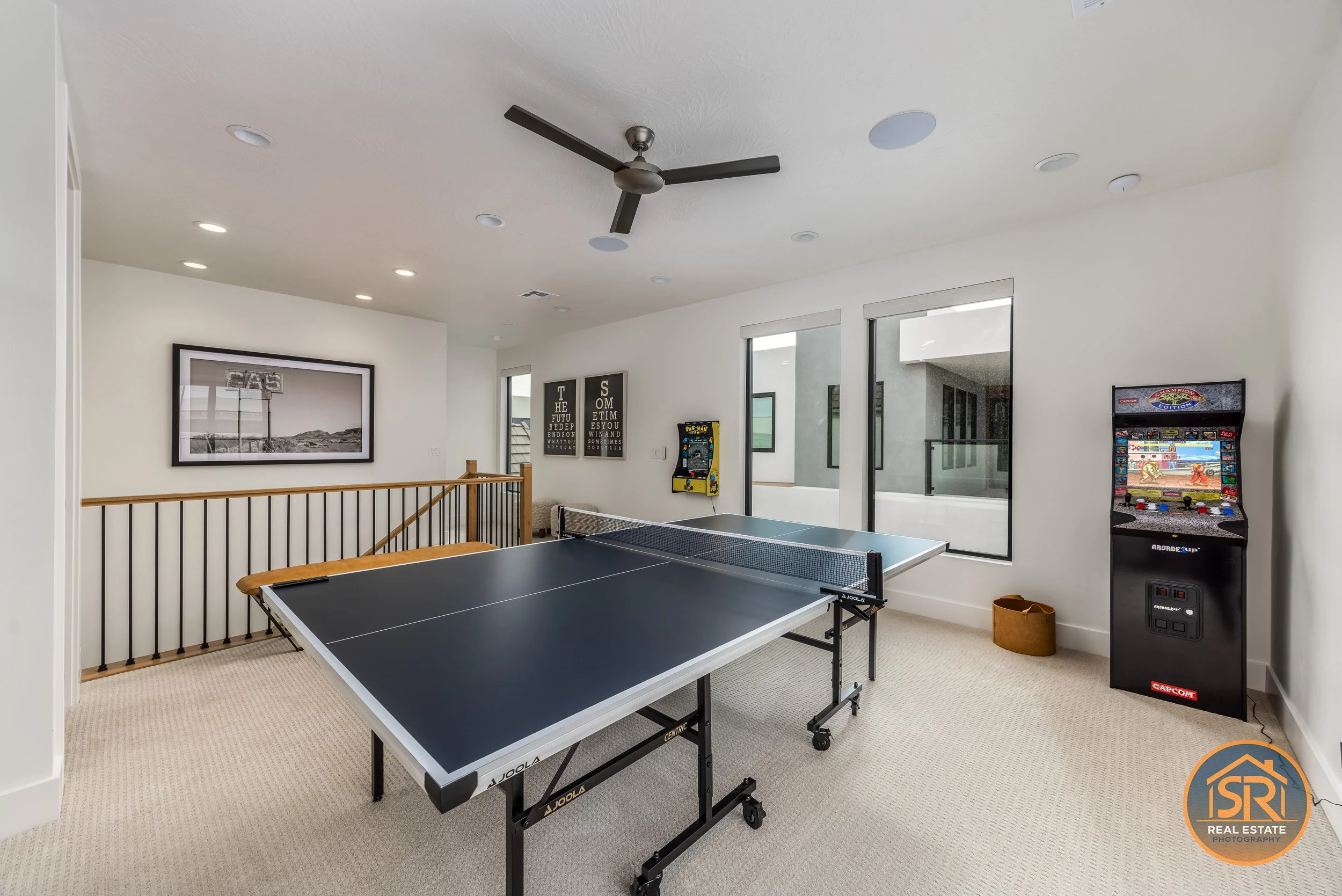
A photograph of a desk answers “is there a desk?” It does not answer “is the internet suitable for my work?” A pool photograph shows a pool; it does not establish heating, access hours, or whether use is private. Audit those two kinds of information separately.
For each amenity you plan to mention, make a row connecting the guest's expectation to an image and to the person responsible for checking the description.
Where would I work?
- Photo evidence: Desk and chair shown in the room, with the immediate setting visible.
- Manager must verify: Any stated internet performance or equipment availability.
- Review again when: The workspace, equipment, or advertised service changes.
How is sleeping arranged?
- Photo evidence: Each sleeping setup and its relationship to the room.
- Manager must verify: Bed sizes and the availability of any convertible setup.
- Review again when: Beds or room assignments change.
What outdoor area can I use?
- Photo evidence: Relevant area and its connection to the accommodation.
- Manager must verify: Shared/private status and any conditions stated in the listing.
- Review again when: Access arrangements or available features change.
What is in the game area?
- Photo evidence: Room context plus equipment that would be unclear in the overview.
- Manager must verify: Which items will actually be available and usable during a stay.
- Review again when: Equipment is removed, replaced, or unavailable.
These are hypothetical audit entries, not claims about the portfolio property pictured. Keep only the rows relevant to your rental.
Add three fields that make the register maintainable
- Image filename: record the selected image, not “somewhere in the gallery.”
- Checked by/date: name the person who verified the description and when.
- Status: ready, photo missing, description unverified, or image outdated.
For example, a game room may have a current overview but an unverified equipment list. Its problem is not another photography appointment. Conversely, a manager may have confirmed a new bed arrangement while the gallery still shows the old one. That row needs new imagery.
Turn one exception into a clear assignment
Suppose a convertible sofa has replaced a bed. The manager can confirm the current sleeping arrangement, but that does not make the old bed photograph current. Mark the image outdated, identify which gallery file needs replacing, and describe the view needed to explain the new setup. Keep any description of how the sofa converts separate from what the image visibly demonstrates.
Before marking the entry ready, compare the selected photo and the wording guests will actually see. Check that both describe the same arrangement and that any conditions are stated clearly. Record the check date so the next person maintaining the listing knows what was reviewed.
Work the exceptions first
Start with advertised features marked “description unverified” or “image outdated.” Then address missing views that leave an important setup ambiguous. Decorative detail shots come after those gaps, not before them.
For the photography brief, extract only the rows marked “photo missing” or “image outdated” and include the guest question beside each one. This gives Sam Reed Real Estate Photography a targeted coverage list instead of a request to rephotograph everything.
Keep the register after delivery. It becomes the update trigger whenever the property manager changes something that guests have been shown or promised.